Pay, Bank and Invest All in one app
Pay, Bank and Invest
All in one app
Biometric palm security meets seamless digital finance

Coming soon on 




Backed by the best
.png)
.png)
.png)
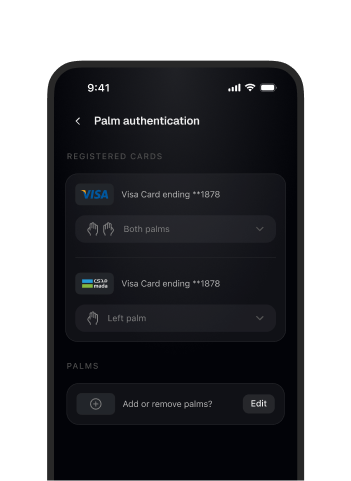
Pay, explore, and stay in control without friction

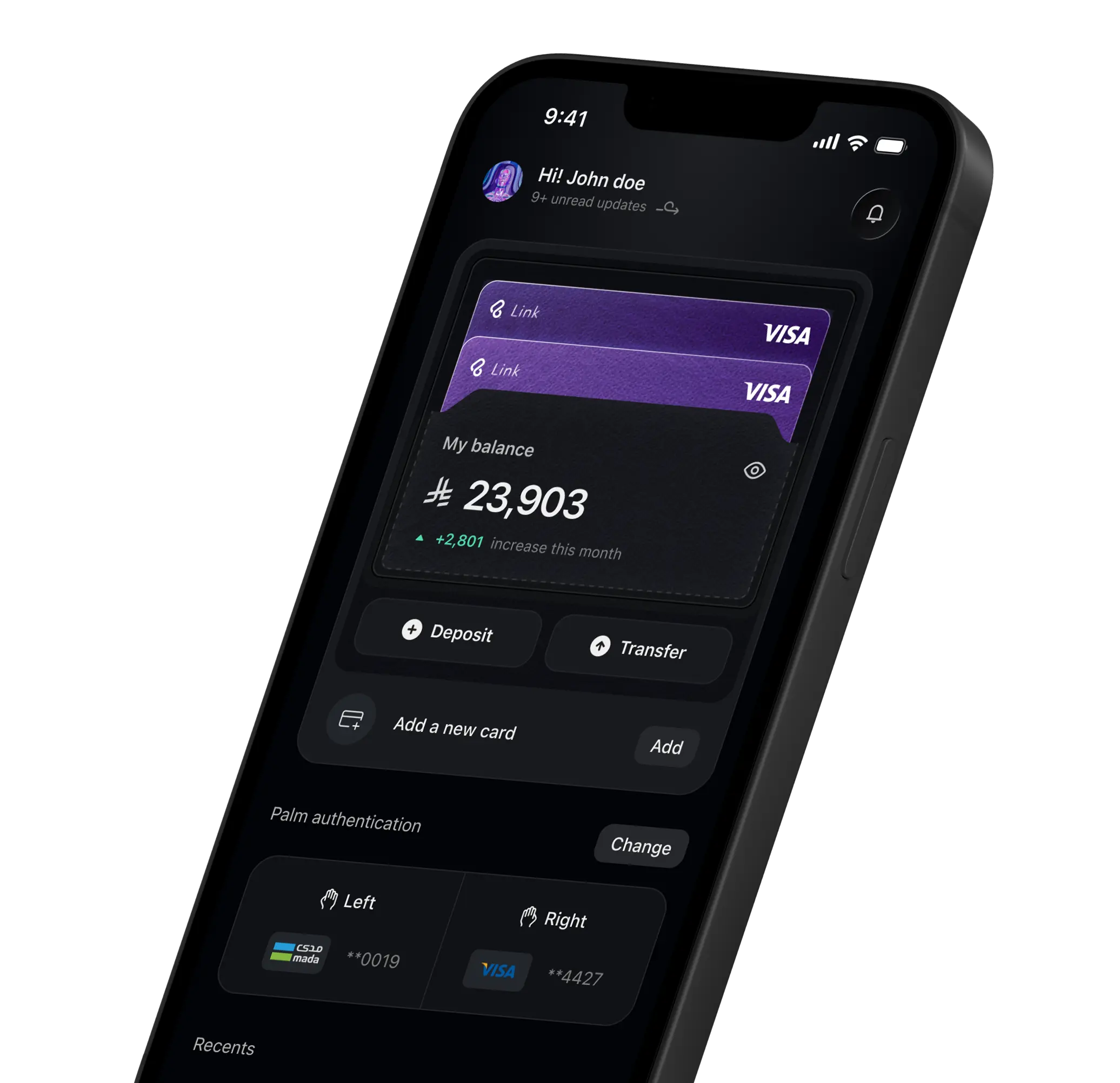
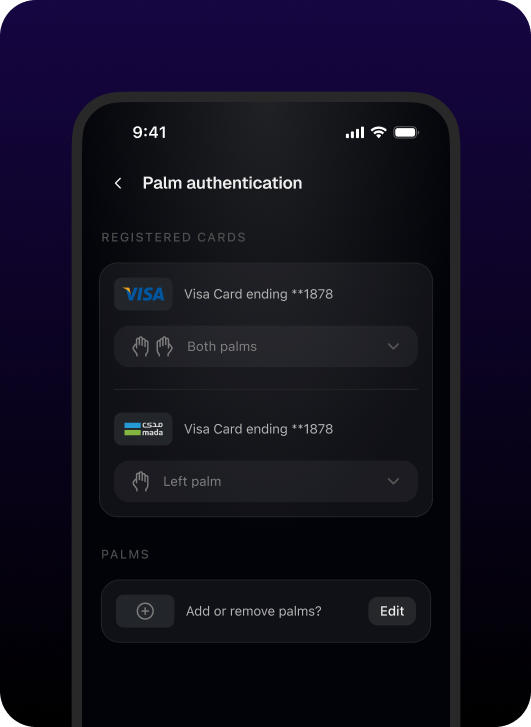
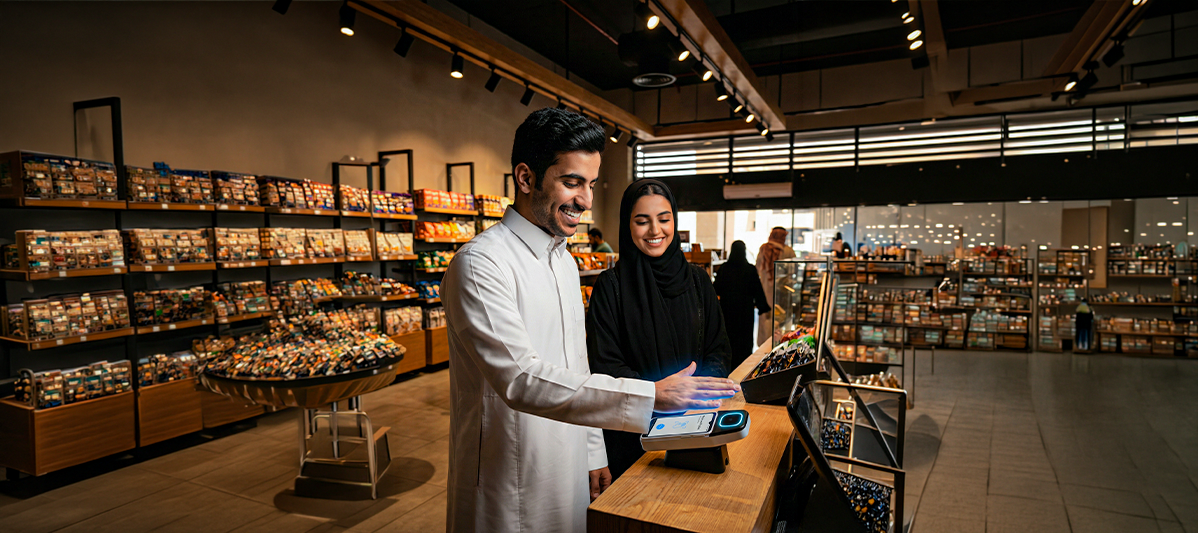
Pay with Your Palm
Link connects your card to your palm, making payments fast, secure, and uniquely yours.

Manage All Your Cards
View, manage, or unlink cards instantly from one dashboard. Switch, secure, or update on your terms.
.png)
Track Every Expense
All your spends, automatically tracked and organized in one place. Clear insights, no manual effort.
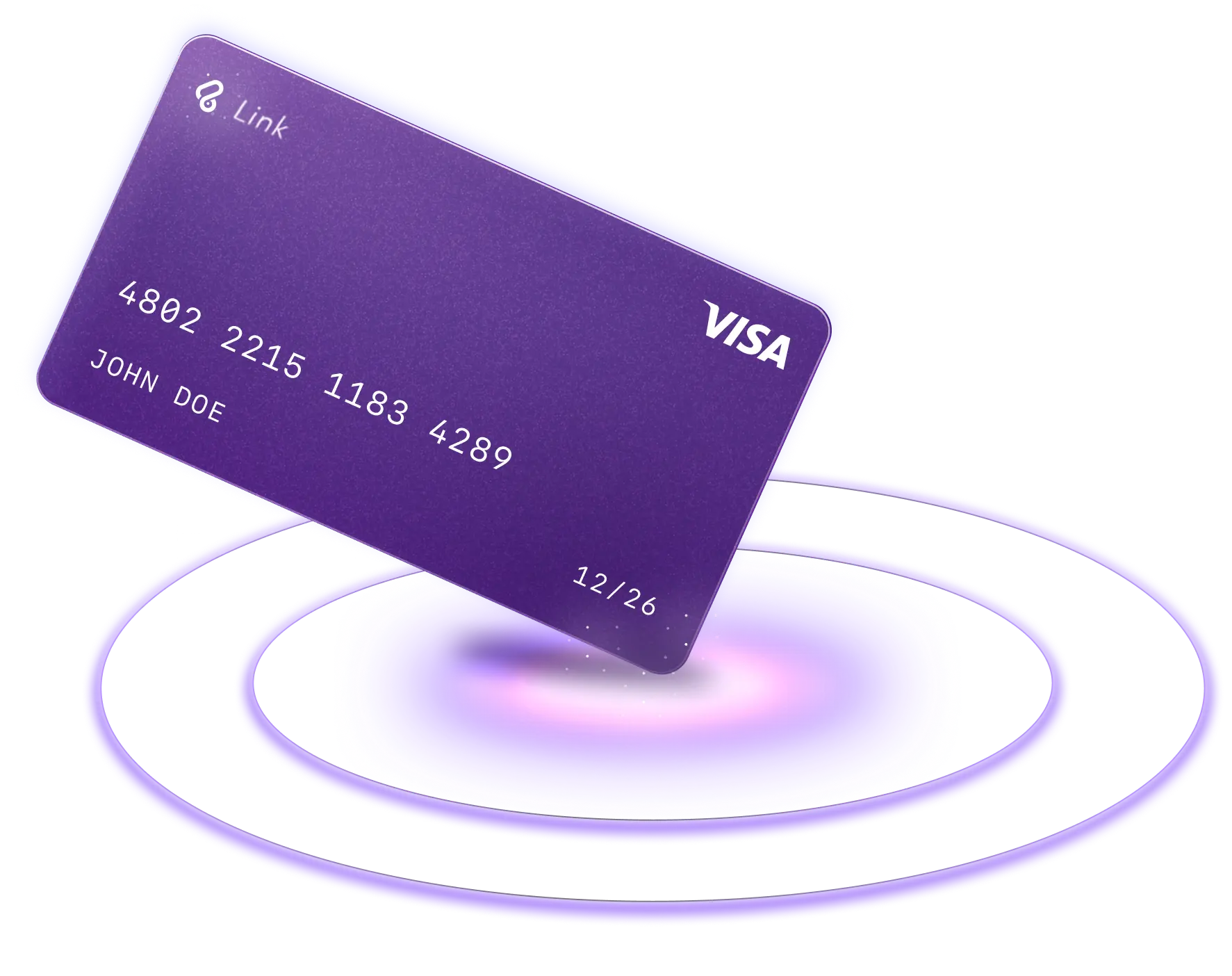
Much more than just a card
Link Wallet cards go beyond payments.
We securely linked to your palm, connected to
your wallet, and built to help you spend, track,
and manage money effortlessly.

About us
Frequently asked
questions
Yes. Palm payment uses advanced biometric technology that captures the unique vein pattern inside your palm. Vein patterns are extremely difficult to copy because they are located beneath the skin and are unique to each individual. Your biometric data is encrypted and used only for authentication purposes.
Palm authentication uses near-infrared technology to read the vein pattern inside your palm. When you scan your palm, the system compares the encrypted biometric template with the registered profile to confirm your identity. The vein pattern is internal to your body and cannot be seen or copied like fingerprints.
The system reads the unique vein pattern inside your palm using safe infrared light. The authentication process relies on the structure of the vein pattern beneath the skin. Our devices include liveness detection features to ensure the scan is from a real, present hand.
It is extremely difficult to replicate a palm vein pattern because: ● The vein pattern is inside the body. ● It cannot be captured from photos. ● It requires physical presence for authentication. ● Biometric data is stored in encrypted format.
Yes. Biometric templates are encrypted and used only for authentication. They are not sold or shared for marketing purposes.
If authentication fails, the transaction will not proceed. You may retry the scan or contact support if issues persist.
Biometric authentication reduces risks associated with: ● OTP interception ● SIM swap attacks ● PIN guessing ● Password reuse Since your palm vein pattern is unique to you and cannot be forgotten or easily shared, it provides a strong layer of identity verification.
Adding a card is simple: 1. Log in to the app. 2. Go to Manage Cards. 3. Tap Add Card. 4. Enter your card details. 5. Complete the verification process. For authentication purposes, a temporary charge of 1 SAR may be applied to your card. This amount is automatically refunded after successful verification.
Yes, you can remove your card at any time from the Manage Cards section in the app. However, to continue using palm payment, at least one authorized and active card must be linked to your palm profile. If no card is linked, palm payments will not function until a new card is added and verified.
Contact us
Have more questions?




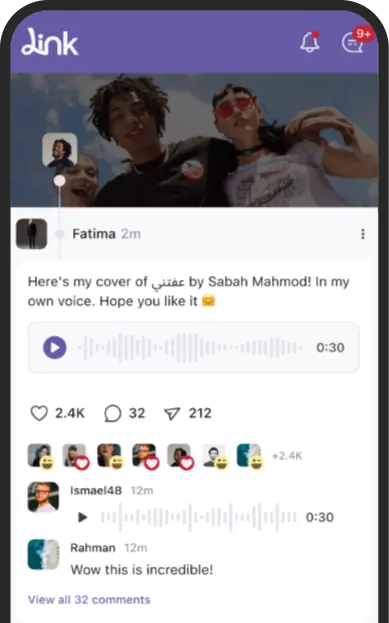

Check out our social media app as well
Check out our social media app
Link Up & Stay Connected 😉
I'm interested